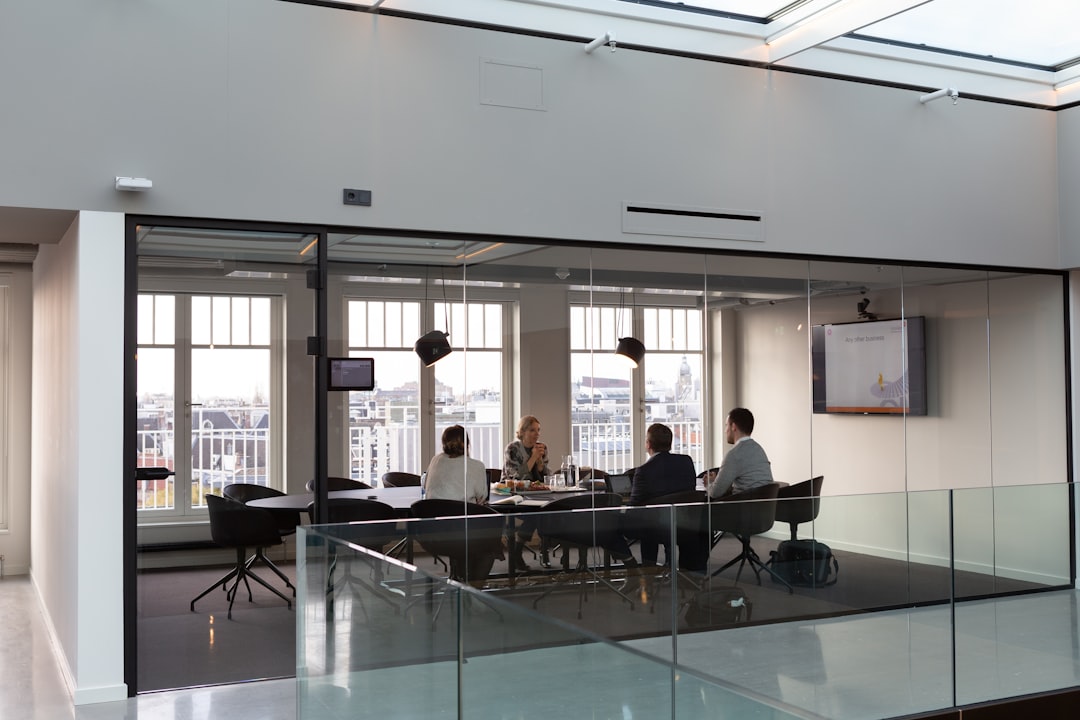
Virtual interviews have rapidly transitioned from being a temporary convenience to a permanent fixture in the hiring landscape. Whether you're interviewing for a remote position or a hybrid role, mastering the virtual interview format is now an essential career skill. This comprehensive guide will help you navigate the unique challenges of remote interviews and make a lasting positive impression.
The New Normal of Virtual Hiring
The shift to virtual interviews represents more than just a change in location. It fundamentally alters how candidates present themselves, communicate, and build rapport with potential employers. While some aspects of interviewing remain consistent, the virtual environment introduces technical considerations and unique communication dynamics that require specific preparation and attention.
Understanding that virtual interviews are not simply traditional interviews conducted through a screen is crucial. They require a different skill set that combines technical proficiency with enhanced verbal communication skills, since many non-verbal cues are diminished or altered through video.
Technical Preparation: The Foundation of Success
Technical difficulties during a virtual interview can derail even the most qualified candidate. Proper technical preparation demonstrates professionalism and respect for the interviewer's time while allowing you to focus on showcasing your qualifications rather than troubleshooting issues.
Essential Technical Checklist
Start by testing your internet connection well before the interview. A stable, high-speed connection is non-negotiable for virtual interviews. If possible, use a wired ethernet connection rather than WiFi to minimize connectivity issues. Have a backup plan ready, such as a mobile hotspot, in case your primary connection fails.
Familiarize yourself thoroughly with the video platform being used. Whether it's Zoom, Microsoft Teams, Google Meet, or another platform, download the application in advance rather than relying on browser versions. Test all features including audio, video, screen sharing, and chat functions. Know how to quickly mute and unmute yourself, adjust your camera, and troubleshoot common issues.
Audio quality often matters more than video quality in virtual interviews. Invest in a decent external microphone or use quality headphones with a built-in microphone. Test your audio setup and eliminate echo by using headphones. Background noise can be incredibly distracting, so choose a quiet environment and consider using noise-canceling features if available.
Creating Your Professional Virtual Environment
Your interview environment speaks volumes about your professionalism and attention to detail. The space behind you becomes part of your presentation, so treat it with the same importance you would give to your appearance.
Choose a clean, uncluttered background that appears professional without being distracting. A plain wall, bookshelf, or office setting works well. Avoid virtual backgrounds unless absolutely necessary, as they can be distracting and may malfunction. If you must use a virtual background, choose something professional and neutral.
Lighting can make or break your video presence. Natural light from a window facing you provides the best illumination. If natural light isn't available, use a desk lamp or ring light positioned in front of you at eye level. Avoid backlighting from windows or lamps behind you, which can create a silhouette effect and make it difficult for interviewers to see your face and expressions clearly.
Camera Positioning and Body Language
The placement and angle of your camera significantly impacts how you appear to interviewers. Position your camera at eye level by elevating your laptop on books or using an external webcam on a stand. Looking slightly up or down at the camera creates unflattering angles and can convey unintended messages about confidence or engagement.
Frame yourself appropriately in the video screen. Your head and shoulders should be visible with some space above your head. Sit close enough that your face is clearly visible but not so close that the camera feels invasive. This distance allows interviewers to see your facial expressions while maintaining appropriate professional boundaries.
Maintaining eye contact in virtual interviews requires looking at the camera rather than the screen. This feels unnatural at first since you can't see the interviewer while looking at the camera, but it creates the impression of direct eye contact for the person watching. Practice this technique before your interview to become comfortable with it.
Mastering Virtual Communication
Communication dynamics change significantly in virtual environments. Without the full range of non-verbal cues available in person, you need to enhance your verbal communication and adapt your delivery style.
Speak clearly and at a slightly slower pace than you might in person. Internet delays and audio compression can make rapid speech difficult to understand. Pause briefly after asking or answering questions to account for potential lag and give interviewers time to process your responses.
Use vocal variety to maintain engagement. Without the benefit of physical presence, your voice becomes even more important in conveying enthusiasm and personality. Vary your tone, pace, and volume naturally to keep your responses engaging and avoid a monotone delivery that can seem disengaged or rehearsed.
Be mindful of overlapping speech. The slight delay in virtual communication makes interruptions more frequent and awkward. If you and the interviewer begin speaking simultaneously, pause and gesture for them to continue. This shows respect and professionalism while avoiding confusion.
Professional Presentation and Attire
Dress as professionally as you would for an in-person interview. The temptation to dress casually from the waist down because you're on camera should be resisted, not only for professionalism but also in case you need to stand up during the interview. Your attire affects your mindset and confidence, even if only your upper body is visible.
Choose solid colors over patterns, which can create visual distortion on camera. Avoid wearing white or very bright colors that can create glare, and stay away from very dark colors that might blend into your background. Blues, greens, and earth tones typically work well on video.
Managing Technical Difficulties Gracefully
Despite thorough preparation, technical issues sometimes occur. How you handle them demonstrates your problem-solving skills and professionalism under pressure. If your connection drops, immediately try to reconnect. If that fails, call the interviewer using the phone number provided in your interview confirmation.
If audio or video quality deteriorates during the interview, politely acknowledge the issue and ask if the interviewer is experiencing the same problem. Offer to turn off your video to improve audio quality if necessary. Most interviewers will appreciate your proactive approach to ensuring clear communication.
Conclusion
Mastering virtual interviews requires combining traditional interview skills with technical proficiency and adapted communication strategies. By thoroughly preparing your technology, environment, and delivery style, you can turn the virtual format from a potential obstacle into an opportunity to demonstrate your professionalism and adaptability. Remember that virtual interview skills will remain valuable throughout your career as remote and hybrid work arrangements continue to be standard practice across industries.
Ready to Master Your Interview Skills?
Work with our expert coaches to refine your virtual interview technique and build confidence for your next opportunity.
Schedule a Consultation